Delete your Learn with Fidelis account
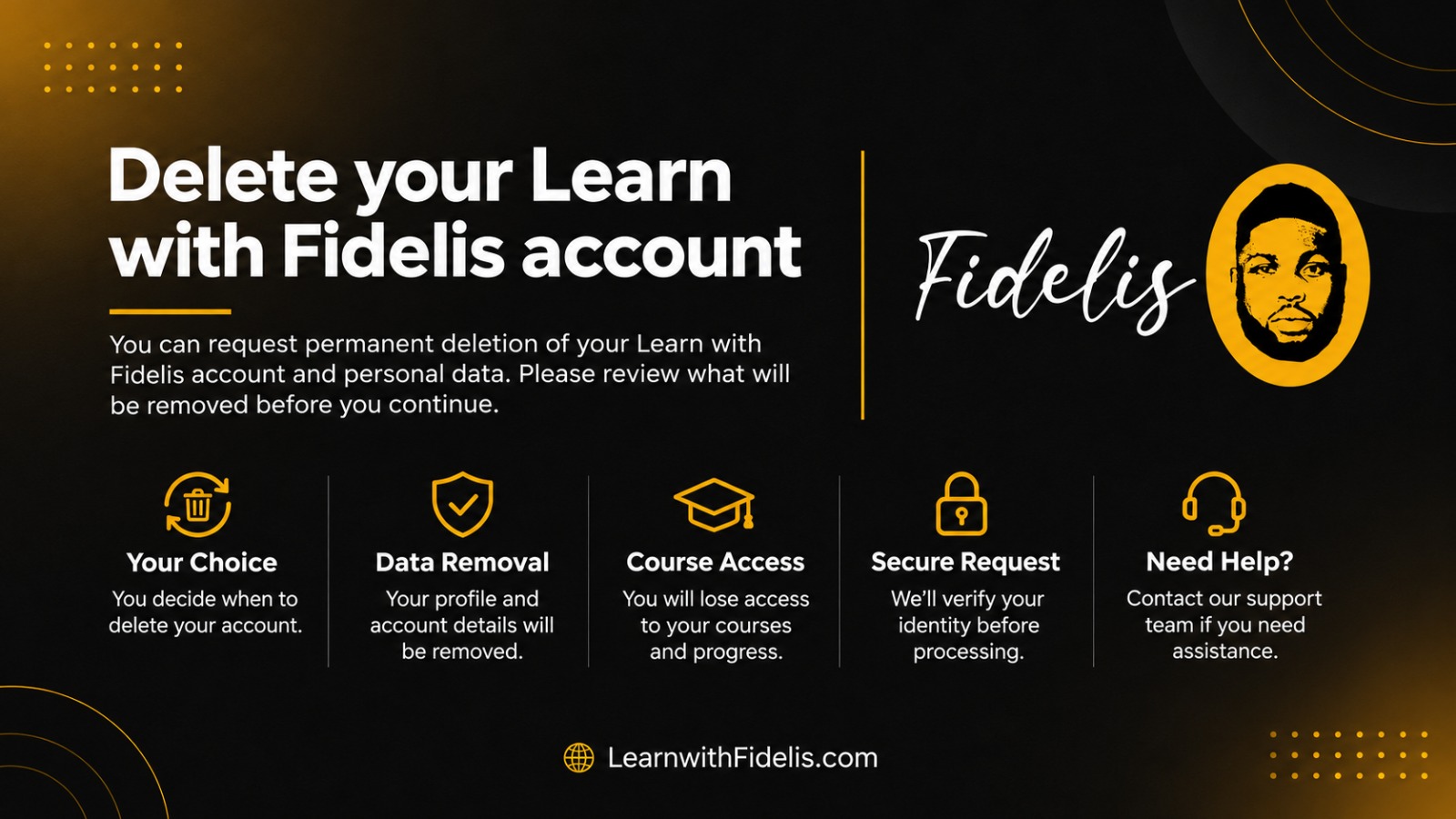
This page explains how to delete your account for the Learn with Fidelis app and website (learnwithfidelis.com), by Fidelis Ozuawala.
Option 1: in the app
Open the Learn with Fidelis app → Me tab → Delete account → type DELETE → confirm.
Option 2: by email
Send an email to [email protected] from the email address on your account, with the subject "Delete my account". We will delete it within 7 days and reply to confirm.
What is deleted, right away:
• Your name, email address, phone number, password, and Google and Apple sign-in links
• Your email preferences, push notification tokens and sign-in codes
• Every signed-in session, on the app and on the website
What we keep:
• Payment, purchase and enrollment records, which we must keep for tax and accounting. They are kept without your name or contact details and are no longer linked to anything that identifies you.
Deletion can't be undone. If you want to use Learn with Fidelis again later, you will need a new account.